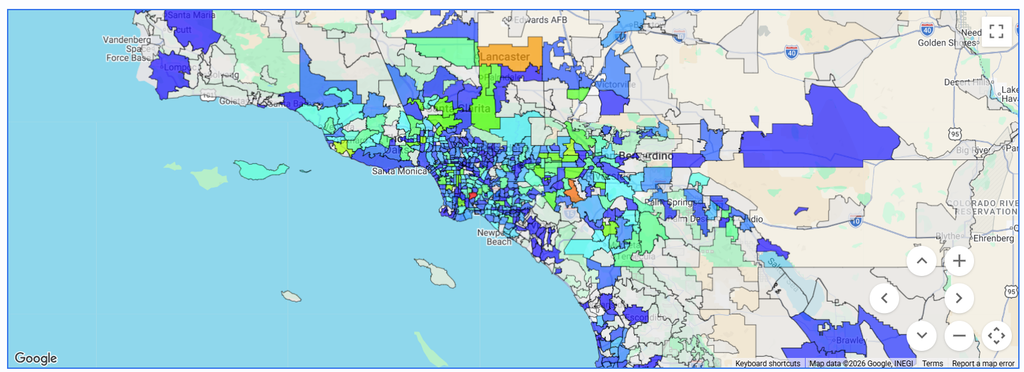
Standard Reporting Geo Map Views
Release Date: September 9th, 2026
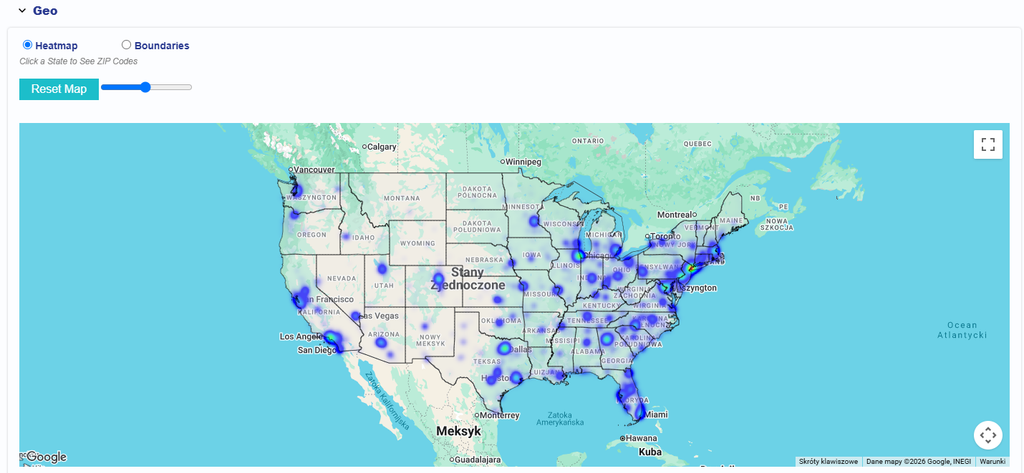
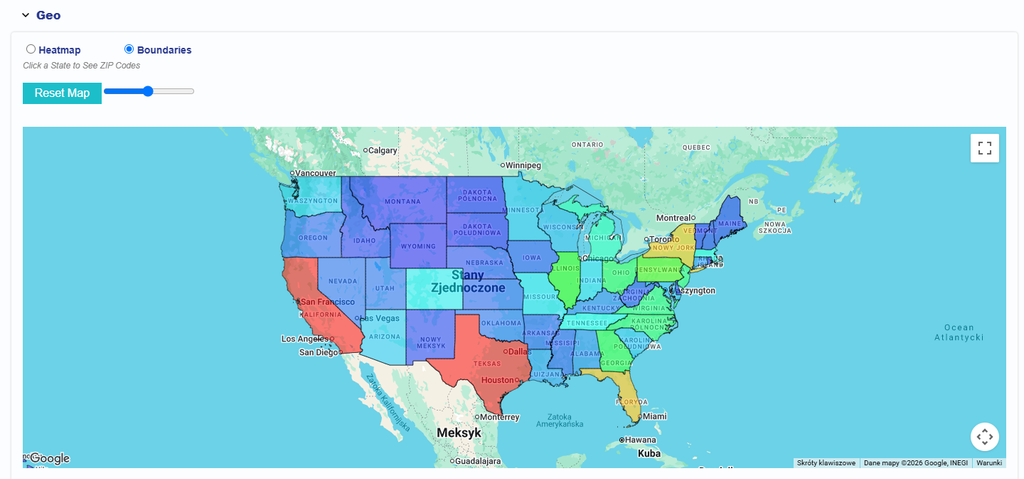
In Reporting > Standard Reporting > Geo > Map, users can switch between two map views using the available radio buttons:
- Heatmap: The default map view. Impression volume is displayed as a heatmap. Select a state to view the ZIP code boundaries within that state.
- Boundaries: Displays state or region boundaries, with each region shaded based on Impression volume. Select a state to view the ZIP code boundaries within that state.
Below the map view options, the following informational message is displayed:
Click a State to See ZIP Codes
Heatmap View Example
Boundaries View Example
State Zip Code View Example