Companion Banners for Audio Creatives
Release Date: October 6th, 2026
Companion Banners are available for both First Party and Third Party Audio creatives. Companion Banners are uploaded directly as image files and are hosted and prepared for delivery by Pontiac.
After the Audio creative has been uploaded, a new Companion Banners tab will become available on the creative.
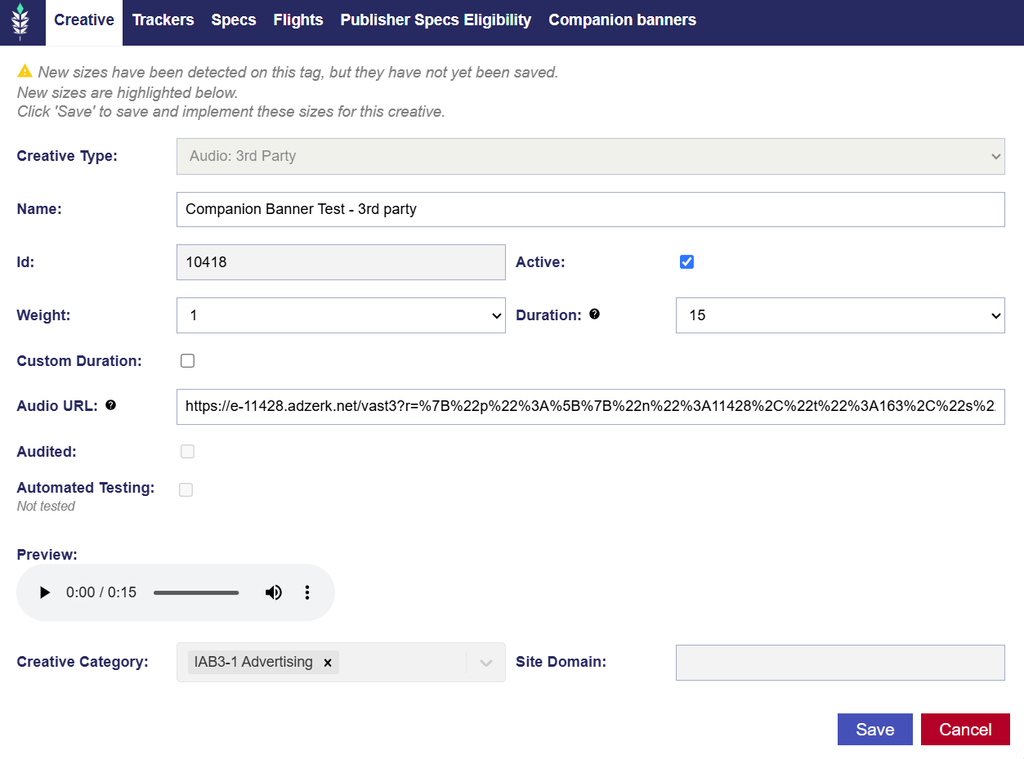
Adding Companion Banners
Navigate to the Companion Banners tab and select Add New Companion to upload an image.
Once uploaded:
- A preview of the Companion Banner will display.
- Additional Companion Banners can be added as needed.
- Existing Companion Banners can be removed.
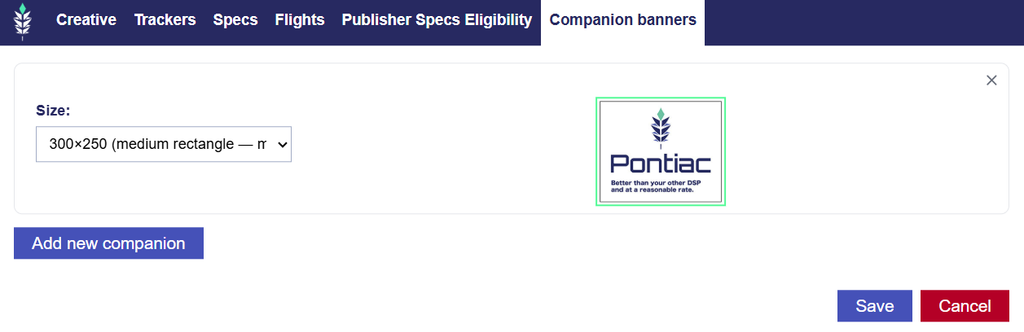
Pontiac will automatically prepare uploaded Companion Banners for delivery with the Audio creative.
Supported Sizes
The following Companion Banner sizes are supported:
- 300×250 – Medium Rectangle
- 728×90 – Leaderboard
- 160×600 – Wide Skyscraper
- 320×50 – Mobile Banner
- 300×600 – Half Page
Supported File Types
Companion Banners can be uploaded as:
- PNG
- JPG
- JPEG
- GIF
Adding, replacing, or removing a Companion Banner after the creative has been audited will return the creative to Pending status so the updated creative package can be reviewed again.
Note: Companion Banners are currently supported for Audio creatives only. While they can be associated with both First Party and Third Party Audio creatives, the Companion Banner itself is uploaded and hosted as a First Party asset.