Events Added to Log Level Reports
Release Date: June 10th, 2026
New event dimensions have been added to log-level reports. Each event column uses a binary flag to indicate whether the event occurred.
1= event occurred0= event did not occur
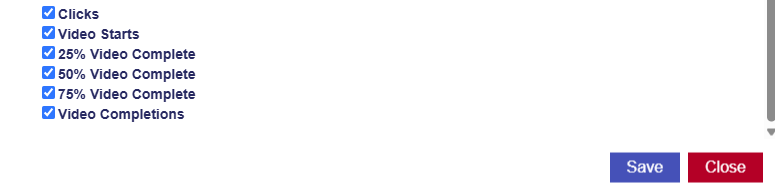
- Clicks: Indicates whether the ad received a click. 1 = event occurred, 0 = event did not occur.
- Video Starts: Indicates whether the video started.1 = event occurred, 0 = event did not occur.
- 25% Video Complete: Indicates whether the video reached 25% completion. 1 = event occurred, 0 = event did not occur.
- 50% Video Complete: Indicates whether the video reached 50% completion. 1 = event occurred, 0 = event did not occur.
- 75% Video Complete: Indicates whether the video reached 75% completion. 1 = event occurred, 0 = event did not occur.
- Video Completions: Indicates whether the video completed. 1 = event occurred, 0 = event did not occur.
These dimensions are selected by default when creating or editing a log-level report, but they can be unselected if they are not needed.
For more information about log level reporting, see the documentation link here: Log Level Reporting