Need Help? Footer Button
The Need Help? button, located in the bottom-left footer of the Pontiac Platform, provides quick access to support resources and assistance.

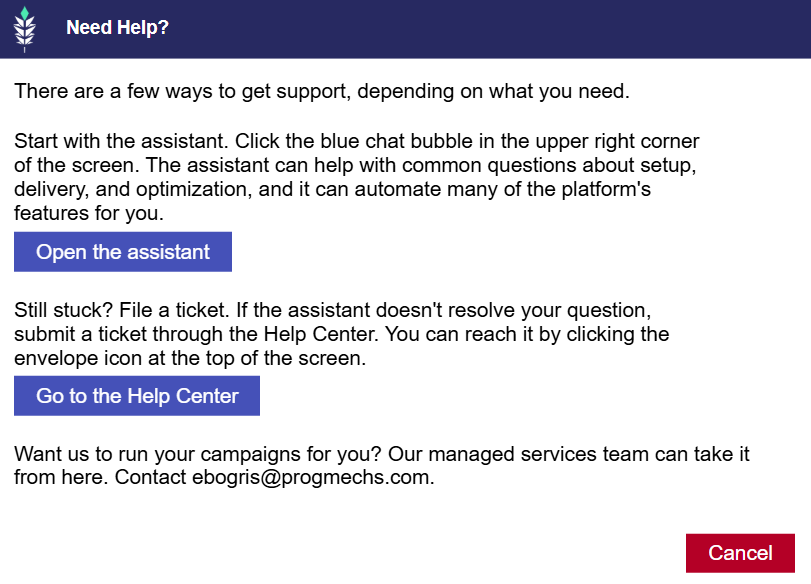
Click Need Help? to open a popup with three support options:
- Pontiac Assistant: Click Open the Assistant to get help with Campaign setup, delivery, troubleshooting, optimization, and other platform questions. The Assistant can also automate many platform features.
- Help Center: Click Go to the Help Center to submit a support ticket or request additional assistance from the Pontiac Support team.
- Managed Services: For hands-on Campaign management assistance, contact ebogris@progmechs.com.
The Pontiac Assistant and Help Center can also be accessed directly using the blue chat icon and envelope icon in the upper-right corner of the platform.
Related Documentation
- Pontiac Assistant: Learn about the Assistant’s capabilities, supported workflows, and example prompts.
- Help Center: Learn how to submit and manage support tickets through the Help Center.