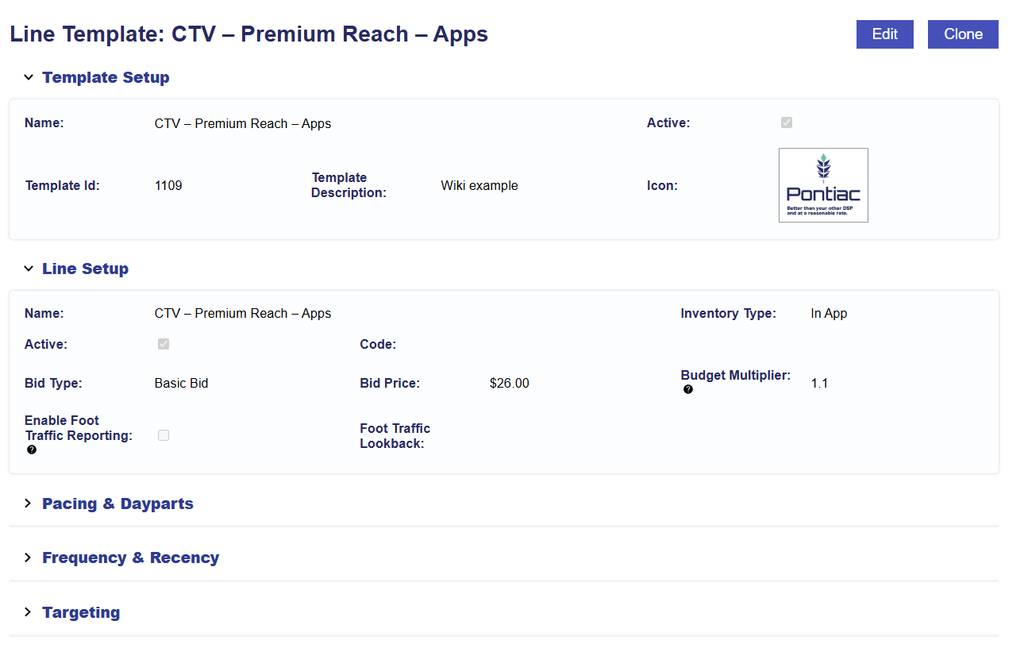
Find and Manage Line Templates
Saved Custom Line Templates are managed at the Seat level from the Templates tab.
Use this area to locate existing Line Templates, review their saved configuration, edit settings that will be used for future Lines, or create a new Template variation by cloning an existing Template.
Find a Line Template
- Navigate to the Templates tab.
- Expand the Line Templates section.
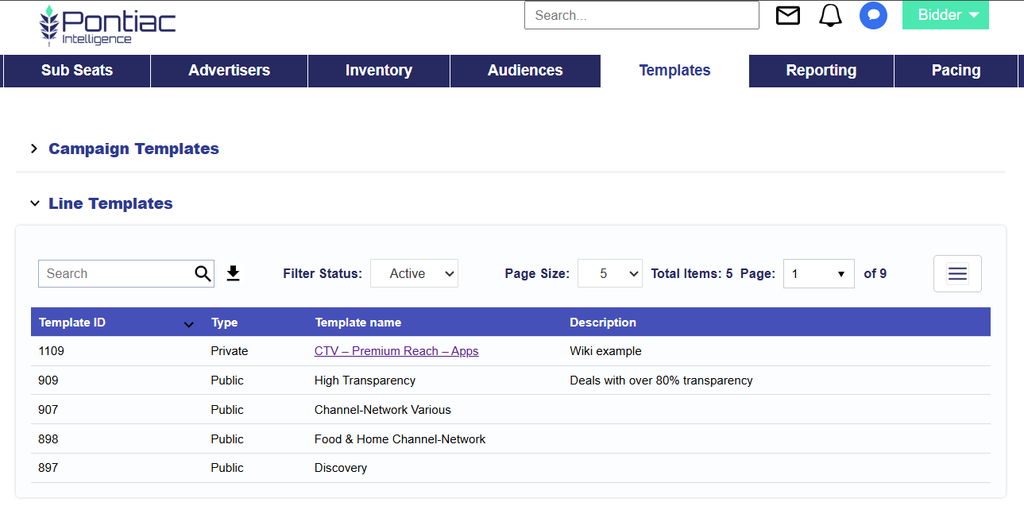
- Locate the Template by its Name, Description, or Icon.
- Select the Template Name to open and review the saved configuration.
From the Line Template page, users can:
- View the saved Line configuration
- Edit the Template
- Clone the Template to create a separate variation
Changes made to the Template are used when creating future Lines. They do not update Lines that were previously created from the Template.