Standard Reporting vs Custom Reporting
The Reporting tab provides tools to analyze Campaign performance, compare delivery across different dimensions, and create downloadable reports for additional analysis.
Pontiac provides two primary reporting options:
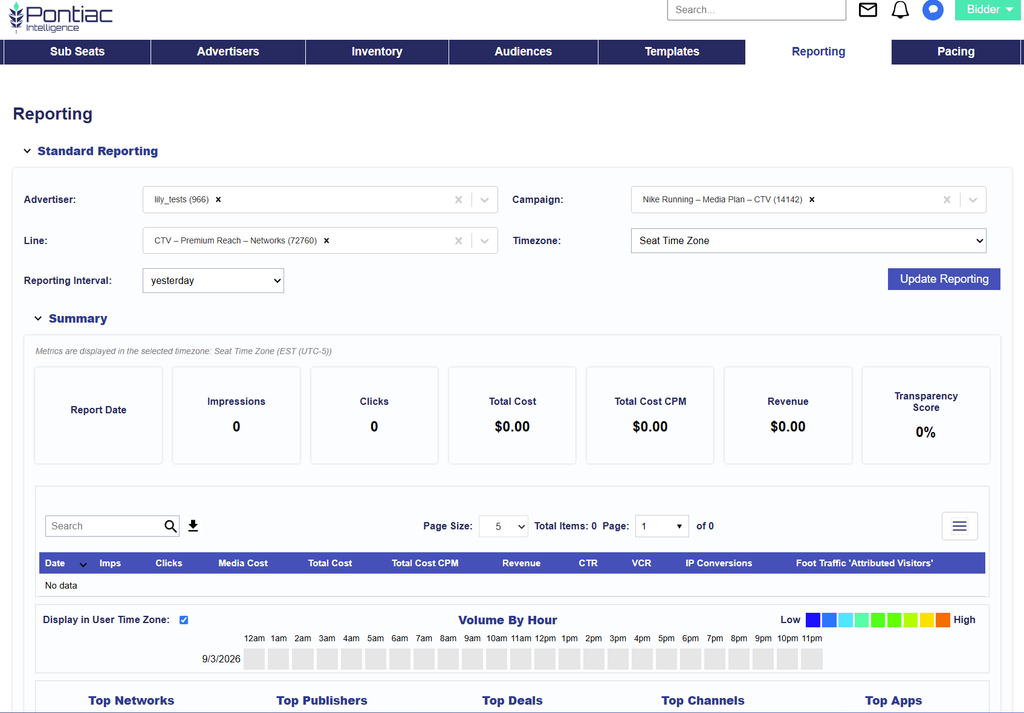
- Standard Reporting: An interactive reporting dashboard for reviewing performance directly in the platform. Select an Advertiser, Campaign, and applicable Lines to analyze performance through summary metrics, charts, tables, inventory breakdowns, Creative performance, geographic reporting, and other views.
- Custom Reporting: A configurable reporting tool that allows users to select specific Advertisers, Campaigns, Lines, dimensions, metrics, date ranges, and other report settings to generate downloadable reports. Custom Reports can also be scheduled for automated delivery.
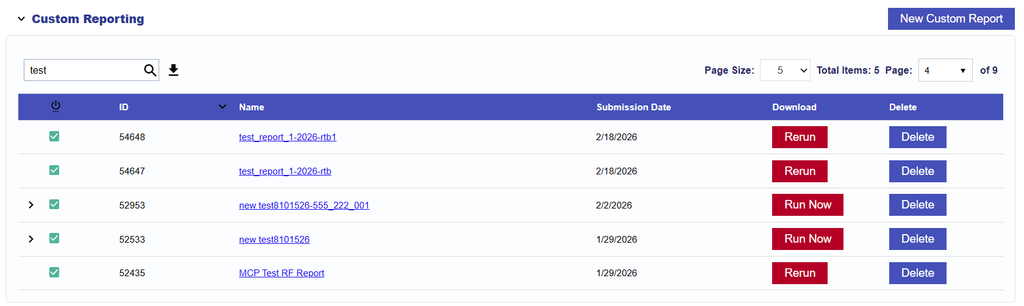
Use Standard Reporting for quick performance analysis and visual comparisons within Pontiac. Use Custom Reporting when you need a specific data breakdown, additional dimensions or metrics, conversion reporting, log-level data, or recurring report delivery.
| Reporting Option | Best For | Output |
|---|---|---|
| Standard Reporting | Interactive Campaign analysis, trends, comparisons, and visualizations | Charts, tables, and CSV downloads within Pontiac |
| Custom Reporting | Detailed data exports, custom dimensions and metrics, attribution reports, and recurring reporting | Downloadable reports or scheduled delivery |