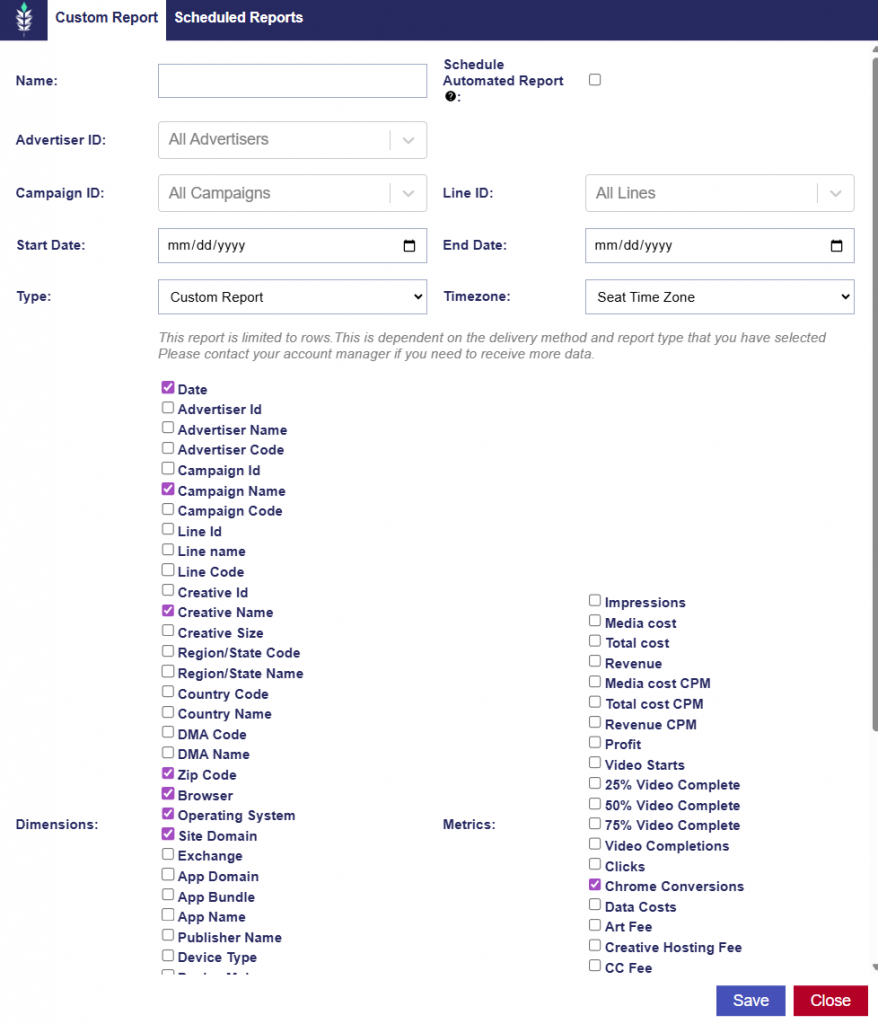
Chrome Conversions
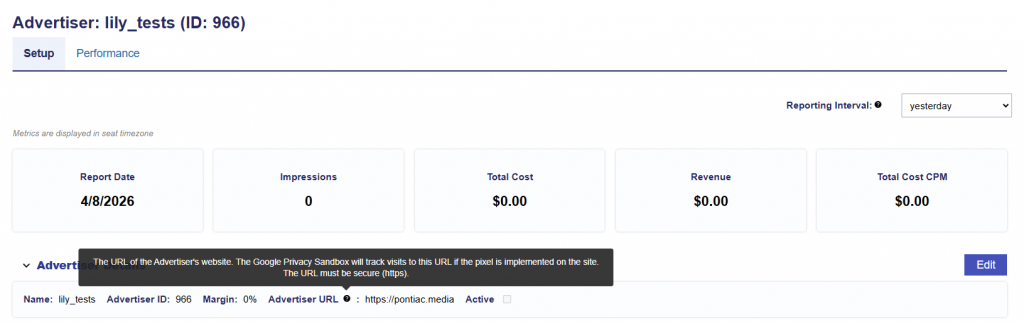
Through integration with the Google Privacy Sandbox, Pontiac pixels can also be used to track cookieless conversions that occur in Chrome browsers for web campaigns. To activate with the Google Privacy Sandbox, the advertiser in the Pontiac platform will need to be created with the website where conversions will be tracked in the ‘Advertiser URL’ field.
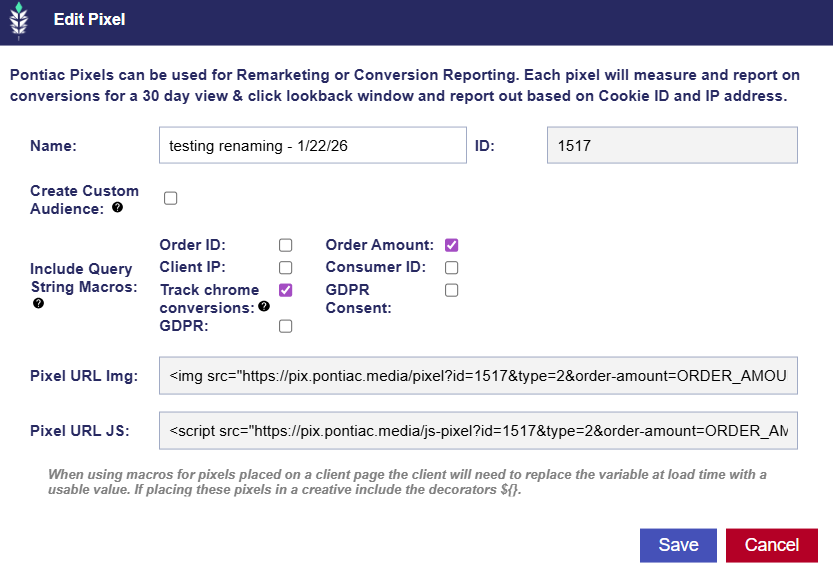
The pixel must have the ‘Track Chrome Conversions’ checked. This pixel should then be placed on the Advertiser’s website where the conversion event will take place. For example, this could be the ‘thank you’ page the user will land on after a purchase.
Once the above are implemented and the campaign has started serving, users can create reports to view the Chrome Conversions by selecting the metric.