Line Audiences
Audiences can be associated at the Line level when different Lines within a Campaign require different Audience targeting strategies.
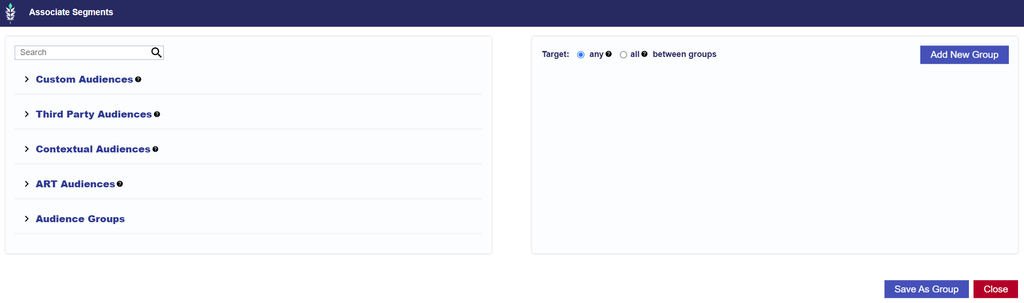
Lines can use eligible:
Audiences are created and managed from the Audiences section at the Seat level. Once available, they can be associated with an individual Line for targeting or anti-targeting.
Use Line-level Audiences when different Lines require different Audience strategies. If the same Audience targeting should apply across all Lines in the Campaign, consider managing the Audience at the Campaign level instead.
Campaign and Line Audience targeting are evaluated together. If Audiences are applied at both levels, review the combined configuration to make sure it does not unintentionally restrict eligible inventory.
Important: When Audiences are applied at both the Campaign and Line levels, make sure the Audience type is compatible with any other targeting applied at either level. Audience targeting and other targeting criteria are evaluated together, so incompatible combinations can significantly restrict or prevent eligible inventory.
For example:
- ART Audiences are ZIP-based. Layering an ART Audience with ZIP targeting, particularly a ZIP Allow List that does not align with the ART Audience, can prevent delivery.
- Contextual Audiences target contextually relevant sites and content. Layering a Contextual Audience with a restrictive Site Allow List can limit or prevent delivery if the eligible sites do not overlap.
Review Campaign-level and Line-level targeting together before launch to confirm the targeting methods are compatible.
For instructions on associating Audience Segments, configuring Include or Exclude behavior, Audience Groups, and Boolean Logic, see Associate Segments.
For information on creating and managing Audience types, see Audiences.