Manage Lines from a Campaign
Create a New Line
From the Campaign level, you can create a new Line from scratch or by using a Line template.
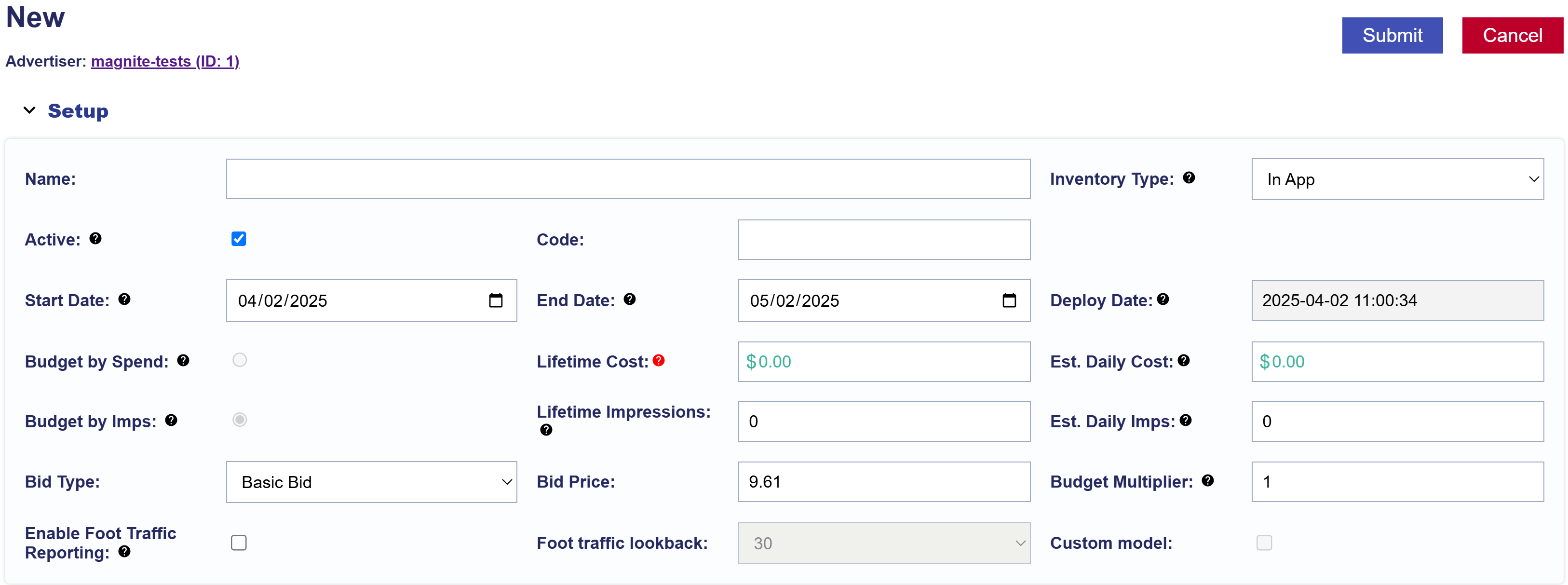
Refer to the following documentation for detailed instructions:
Edit a Line from the Campaign
You can make basic Line updates directly from the Campaign page.
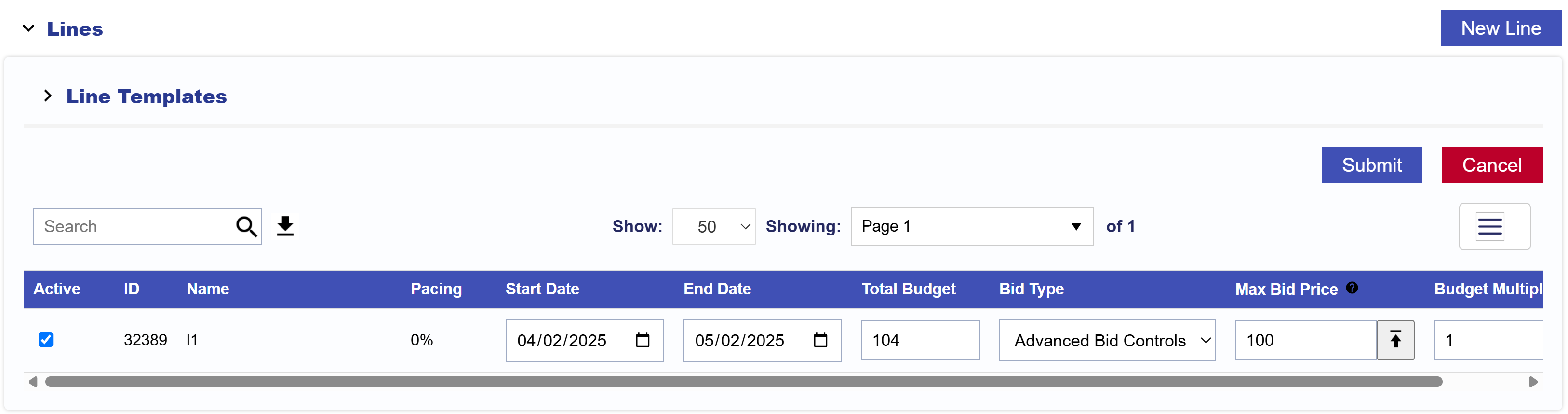
- Navigate to the Lines section of the Campaign.
- Select Edit to enable editing for the Lines section.
- Update the applicable Line fields:
- Active Status
- Start Date
- End Date
- Total Budget
- Bid Type: For details, see Line Setup for details on the following Bid Types.
- Basic Bid
- Bid at Floor Price
- Advanced Bid Controls
- Bid Price
- Budget Multiplier
- Select Submit to save the changes.
- Select Cancel to discard your changes.
The fields available when editing Lines from the Campaign page may differ from the fields available when editing the Campaign itself.
To make additional changes to a Line, select the Line name to open the Line level and refer to Edit a Line.