Save a Campaign as Template
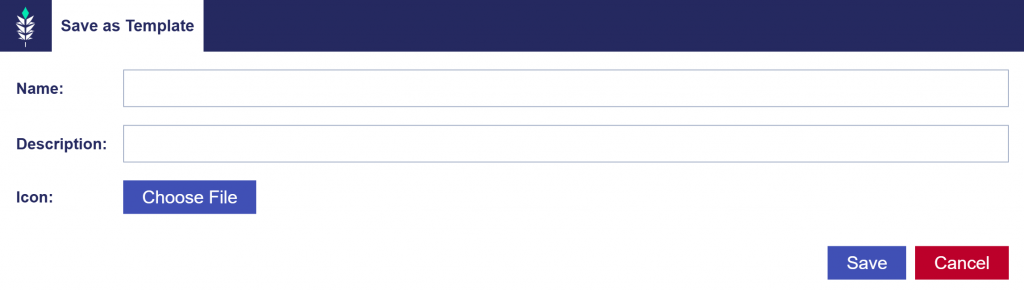
How to Save a Campaign as a Template:
- Navigate to the Campaign page of the Campaign you want to use as a Template or create a new Campaign.
- Click the ‘Save as Template’ button located at the top right corner.
- Enter a Name, Description, and Icon for the Campaign Template.
- Click ‘Save’ to save the Campaign as a template.
You can now use this template later to create a new Campaign with the same structure. This will help save time, reduce mistakes, and ensure consistency in Campaign setup. Manage all Campaign and Line Templates on the Seat Level in the Templates tab. For more details, refer to the Using a Campaign Template to Create a New Campaign documentation.