Download Campaign Setup
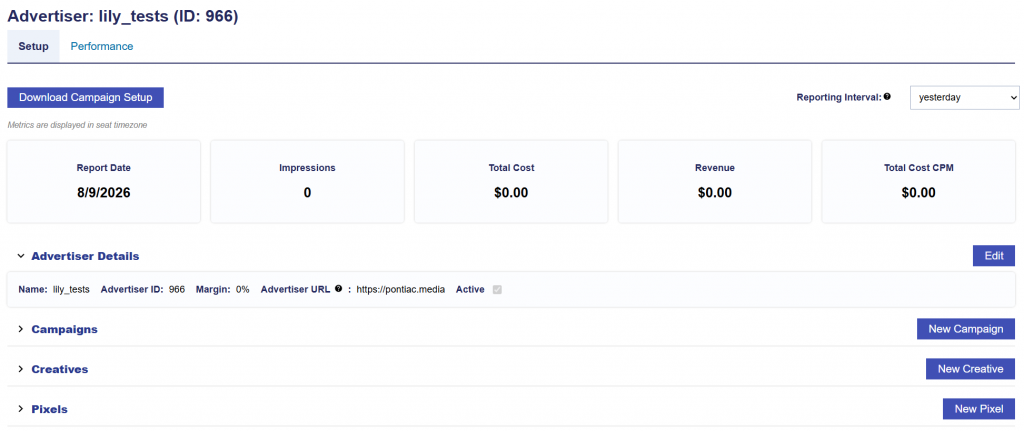
On the Advertiser Details screen, below the Setup and Performance subtabs, the Download Campaign Setup button allows you to export the advertiser’s active campaign, flight, and line configurations into an Excel workbook.
The export provides a consolidated view of campaign setup information, making it easier to compare configurations, audit campaign launches and settings, and perform QA.
Downloading the Campaign Setup
- Navigate to the applicable Advertiser Details screen.
- Locate Download Campaign Setup below the Setup and Performance subtabs.
- Click Download Campaign Setup to download the Excel workbook.
The workbook includes all active campaigns under the advertiser and their active lines.
Export Structure
Depending on the advertiser’s campaign configurations, the workbook contains the following tabs:
- Campaigns: Includes one row for each active campaign and its applicable campaign level settings, including budget, pacing, frequency, targeting, creatives, audiences, pixels, and other configured controls.
- Flights: Included when one or more active campaigns have Enable Flights enabled. This tab displays the campaign’s flights and the lines associated with each flight, including flight dates, budgets, rollover settings, and line budget allocation information.
- Lines: Includes one row for each active line and its applicable line level settings, including inventory type, dates, budgets, bid settings, frequency, targeting, creatives, audiences, pixels, and other configured controls.
Columns that are not applicable to the configurations included in the export are omitted to keep the workbook focused on relevant setup information.
Campaign Managed Settings
When a setting is managed at the campaign level, the applicable configuration is displayed on the Campaigns tab rather than repeated for each line.
For example, if Manage Dayparts is enabled for a campaign, the applicable pacing and daypart settings are included on the Campaigns tab and are not repeated on the Lines tab. If the setting is managed independently by each line, the applicable values are instead included for the individual lines where they are configured.
Flight Based Line Settings
For campaigns using flights, certain line settings can vary by flight, including:
- Budget Allocation Weight
- Budget Multiplier
The Flights tab provides the values associated with each campaign flight and line combination. The Lines tab displays the effective value based on the current active flight. If there is no active flight, the next upcoming flight is used. If there is no upcoming flight, the most recently completed flight is used.