Notifications
The Notifications section displays messages from the Pontiac team that may relate to campaign recommendations, account issues, or other important information.
When there is an active notification, a bell icon will appear in the Admin navigation between the Help Center Messages and Assistant options. This lets users know there is a notification available to review.
Users can open Notifications by either:
- Clicking the bell icon
- Navigating to Admin > Notifications
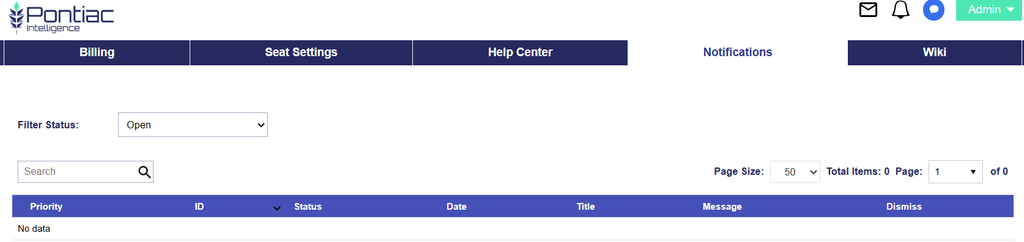
Use the Filter Status options to toggle between:
- Open: Currently active notifications that may require review or action.
- Dismissed: Notifications that have already been dismissed.
- All: Displays both open and dismissed notifications.
Review this section regularly to stay informed about recommendations, account-related issues, and other updates from Pontiac.