Billing
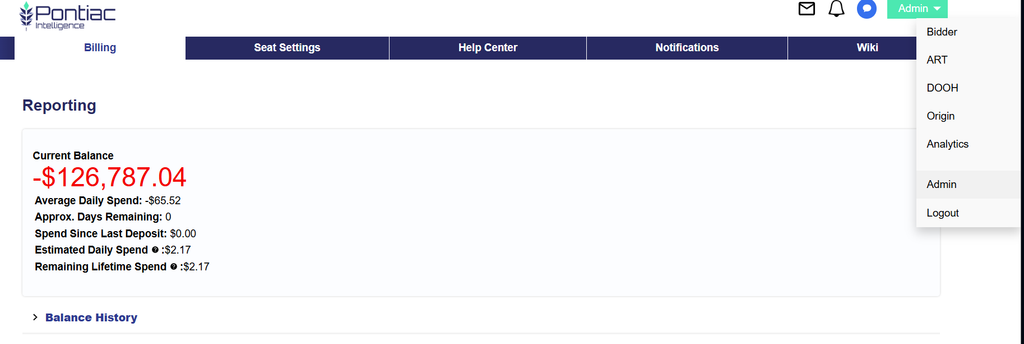
The Seat Settings page covers:
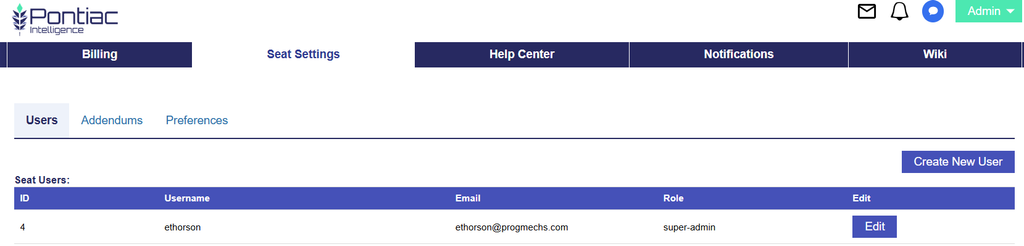
For additional information on Seat Settings, including creating and editing users, user roles, LiveRamp and TransUnion addendums, and Seat-level timezone preferences, see the full Seat Settings documentation here: Seat Settings
The Help Center allows users to submit support tickets and communicate directly with the Pontiac team.
Users can access the Help Center by either:
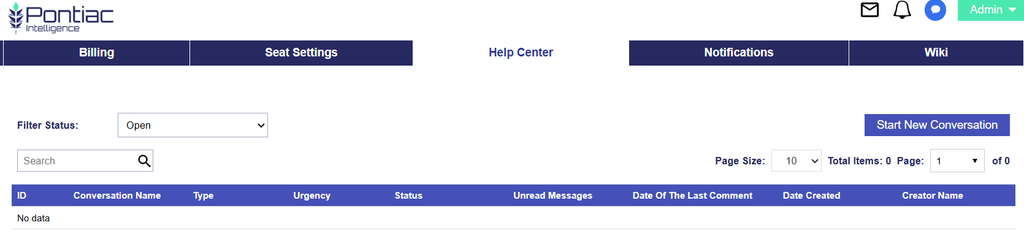
The Help Center documentation covers:
For additional information on submitting and managing support tickets, see the full Help Center documentation here: Help Center
The Notifications section displays messages from the Pontiac team that may relate to campaign recommendations, account issues, or other important information.
When there is an active notification, a bell icon will appear in the Admin navigation between the Help Center Messages and Assistant options. This lets users know there is a notification available to review.
Users can open Notifications by either:
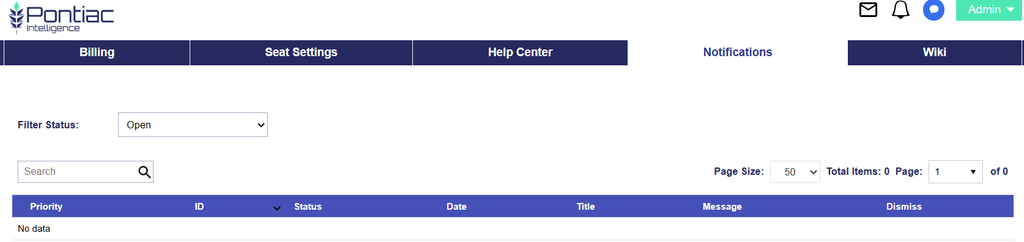
Use the Filter Status options to toggle between:
Review this section regularly to stay informed about recommendations, account-related issues, and other updates from Pontiac.
Selecting the Wiki tab will bring you to Pontiac Intelligence’s Full Wiki documentation.

The Wiki is organized into sections so users can browse documentation by topic, including:
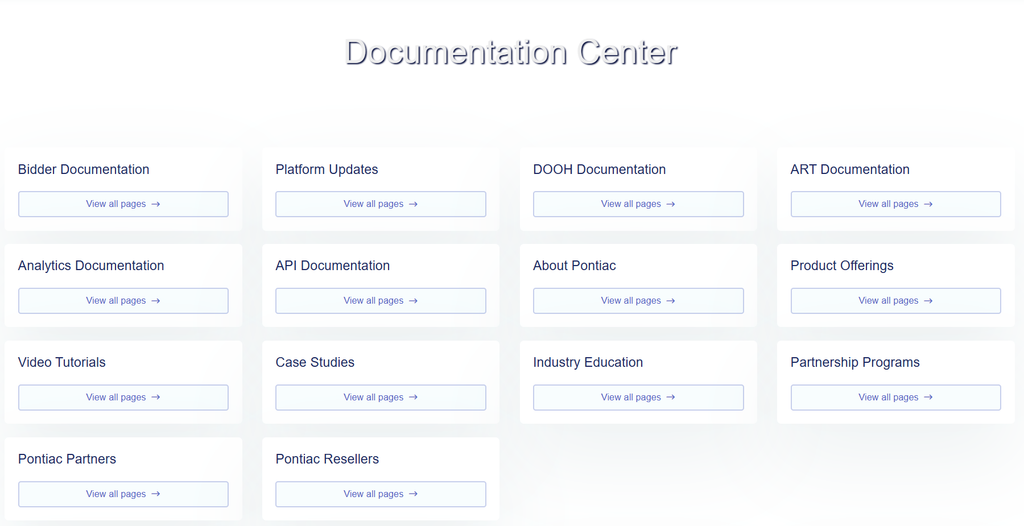
Select View all pages within any section to browse the articles available in that category.
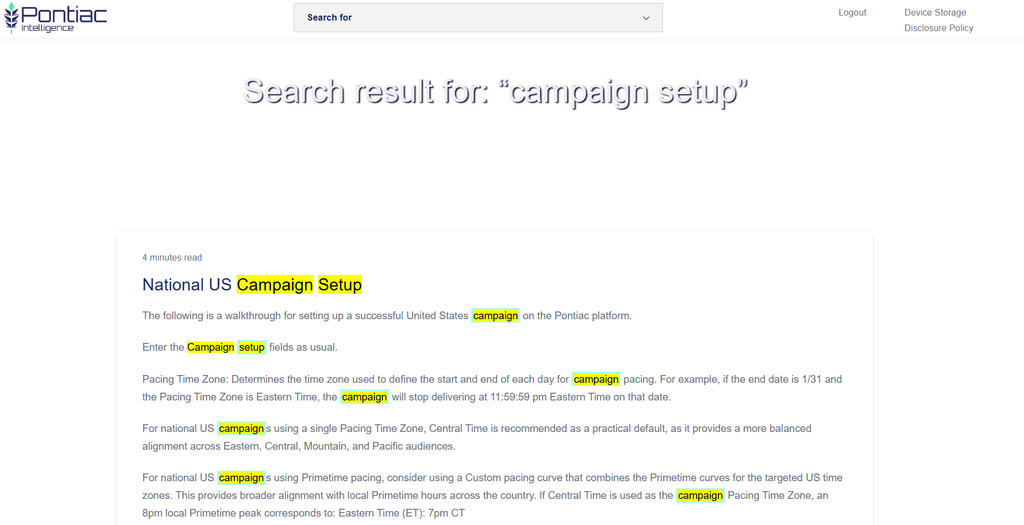
If you are looking for something specific, use the Search bar at the top of the Wiki and enter relevant keywords, such as campaign setup, creative upload, reporting, or pixels.
Search results will display articles containing those keywords and highlight the matching terms, making it easier to quickly find the most relevant documentation.
Explore the different sections or use Search whenever you need more information about a feature, setup workflow, troubleshooting question, or Pontiac product.